8 October 2026 · 3 min read
CRM With Task Management: What Small Teams Actually Need
Learn what a CRM with task management should do, when it replaces spreadsheets, and how small teams can keep deals and next actions connected.
Overview
A CRM tells a team who it is selling to. A task manager tells people what they need to do.
Small teams often use both, but the two systems rarely connect.
The result is predictable: customer details live in the CRM, follow-ups live in a personal to-do list, decisions are in Slack, and nobody can easily see which action will move an important deal forward.
A CRM with task management brings the relationship and the work together.
What is a CRM with task management?
A CRM with task management lets a team create, assign, schedule, and complete actions directly alongside the companies, contacts, and deals those actions relate to.
Rather than seeing a task called “Send pricing,” a team member can see:
• Which company needs the pricing.
• The value and stage of the deal.
• What the customer requested.
• Notes from the latest conversation.
• Who owns the action.
• When it is due.
• What needs to happen after it is complete.
That context matters. It makes tasks easier to complete and makes the pipeline more honest.
What features matter most?
Small teams do not need a complicated task system. They need one that makes the next action clear.
Look for these capabilities:
• Tasks connected to a company, contact, or deal.
• One named owner for each action.
• Due dates and overdue-task visibility.
• A clear “today” or priority view.
• Notes and activity history beside the task.
• Tasks that can be created after calls, emails, and meetings.
• Filters for high-value, overdue, or blocked work.
• Simple reporting on open actions and deal risk.
CRM tasks versus a separate task tool
A separate task tool works well for internal projects such as content calendars, product releases, or hiring plans.
A CRM task system is better for work that depends on customer context:
Use a CRM task when… — Use a project tool when…
The task is tied to a prospect, customer, renewal, or partner — The work is an internal multi-step project
The action affects a live deal — The work needs a detailed project timeline
You need to see email notes and relationship history — The work has many sub-tasks and dependencies
A sales owner needs a daily follow-up list — Multiple departments are delivering a complex initiative
The problem is not that teams use more than one tool. The problem is losing the connection between a revenue action and the customer or deal it affects.
When a spreadsheet stops working
A spreadsheet may be enough when one founder has a handful of conversations.
Move to a CRM with task management when:
• More than one person owns customer follow-ups.
• The team repeatedly asks, “Who is doing this?”
• Important tasks are buried in call notes.
• The founder needs a quick daily view of what is urgent.
• A deal relies on input from finance, product, legal, or leadership.
• Tasks and deal stages are updated separately.
• Good opportunities go quiet after a meeting.
A simple workflow
Use this workflow for every active deal:
1. After each interaction, record the important outcome.
2. Create the next action before leaving the deal record.
3. Assign one owner.
4. Set a realistic due date.
5. Link internal dependencies to the same deal.
6. Review overdue and high-priority tasks each day.
7. Mark the task complete only when the outcome is delivered.
The standard should be simple: every active deal has a visible next action.
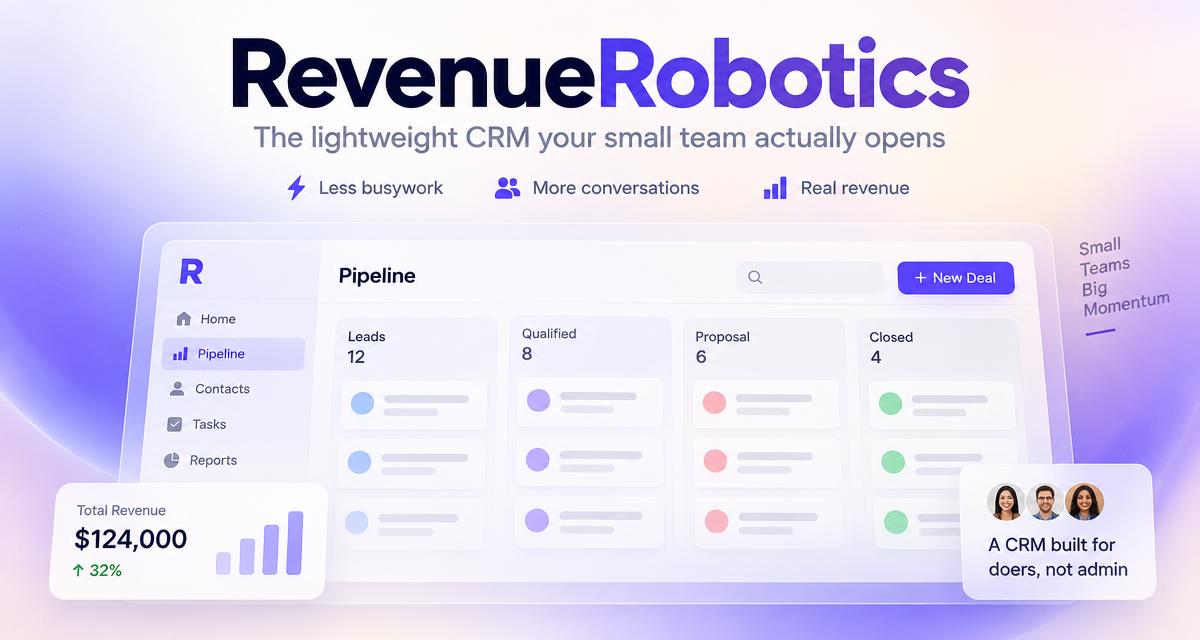
RevenueRobotics is built for that workflow. It connects deals, companies, follow-ups, tasks, and leadership priorities so a small team can see where attention is needed without switching between disconnected tools.
Related product page
CRM for founder-led sales →Try RevenueRobotics
Companies, deals, automations and AI note summaries in one calm CRM.
Start free trial