1 October 2026 · 3 min read
How to follow up after sending a proposal
Follow up on a proposal with context, a clear question, and a next step instead of another generic check-in.
Why this matters
Sending a proposal feels like progress. Then the buyer goes quiet, and you have to decide whether to wait, write, or move on.
Start with what you agreed when you sent it. If you set a review date, use that date. If you did not, your follow-up should make the next step easy to choose.
Check what the proposal was meant to resolve
Was the buyer evaluating price, scope, timing, or internal approval? Your message should address the decision they are making—not merely ask whether they saw the document.
Ask one useful question
For example:
Hi [name], I wanted to follow up on the proposal for [project]. When we spoke, [specific requirement] was the main priority. Does the proposed scope cover what your team needs, or is there a part you’d like to adjust?
Use the buyer’s real requirement. Do not insert a detail you cannot verify.
Record the outcome
If the buyer asks for a change, update the deal and assign the next action. If their timeline moves, change the expected close date. If there is no response, keep a sensible next step rather than treating the proposal stage as proof that the sale is progressing.
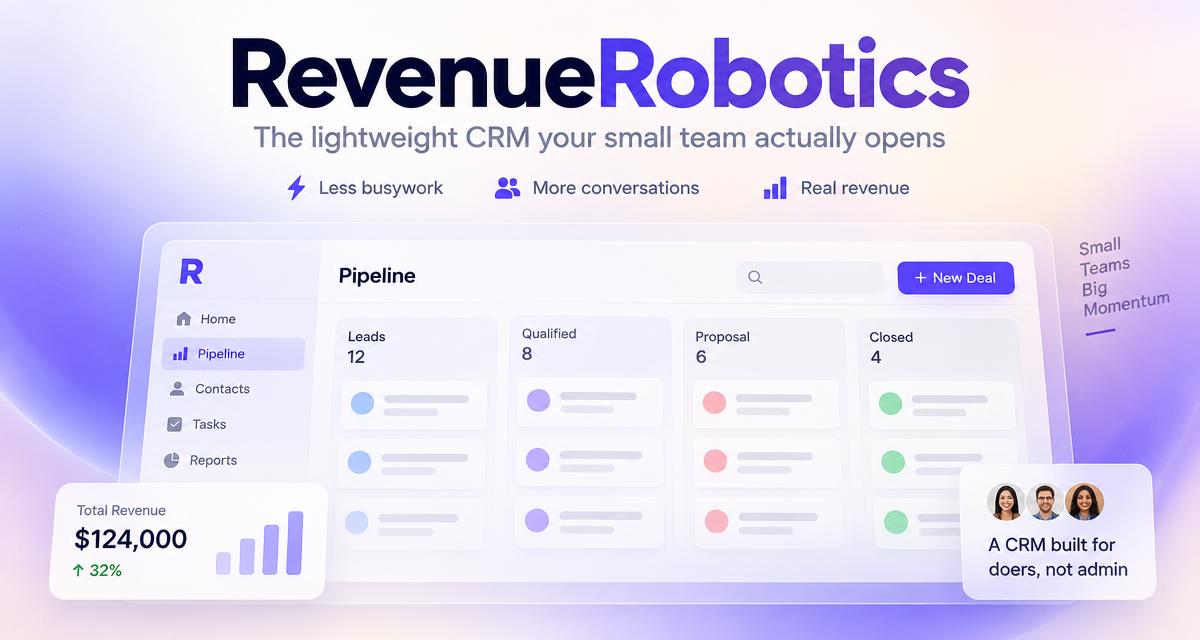
RevenueRobotics helps you find proposal-stage deals needing attention and draft follow-ups using the context in their records.
CTA: Explore AI-assisted sales follow-ups.
Try RevenueRobotics
Companies, deals, automations and AI note summaries in one calm CRM.
Start free trial