7 October 2026 · 3 min read
Chief of Staff Dashboard: What Leaders Need to See Each Week
Build a Chief of Staff dashboard that highlights executive priorities, overdue actions, blockers, strategic relationships, and revenue risks.
Why it matters
A Chief of Staff dashboard should not be a wall of metrics.
Its purpose is to help leadership answer one practical question:
What needs attention before it becomes a bigger problem?
The best dashboard is a decision-making tool. It surfaces priorities, risks, blocked work, and important follow-ups before the CEO has to ask for them.
What belongs on a Chief of Staff dashboard?
A useful dashboard has five sections.
1. Executive priorities:
Show the company’s current priorities and whether they are on track.
For each priority, include:
• Objective.
• Accountable owner.
• Current status.
• Next milestone.
• Main blocker.
• Decision required, if any.
Avoid reporting every activity. Leadership needs the outcome, the risk, and the next decision.
2. Actions needing attention:
Show the work that needs review:
• Overdue executive actions.
• High-priority tasks due this week.
• Blocked tasks.
• Tasks waiting for CEO input.
• Actions with no recent update.
This is often the most valuable dashboard section because it turns follow-through into a visible operating habit.
3. Revenue risks and opportunities:
A Chief of Staff may not own sales, but they often support the executive work that keeps strategic opportunities moving.
Track:
• High-value deals with no scheduled next step.
• Deals where an executive introduction or decision is needed.
• Customer renewals with unresolved risk.
• Partnership conversations awaiting a response.
• Opportunities stalled at the same stage for too long.
This is where a CRM-led dashboard is useful. It connects revenue data with the specific task or decision required to move work forward.
4. Strategic relationships:
Important relationships deserve a separate view.
This might include:
• Key customers.
• Investors.
• Partners.
• Senior candidates.
• Advisors.
• Board members.
• Strategic prospects.
For each relationship, show the last interaction, open commitment, upcoming meeting, owner, and next step.
The goal is not to turn relationships into a spreadsheet. It is to make sure important promises are not forgotten.
5. Decisions and blockers:
A Chief of Staff should make unresolved decisions easy to see.
For each item, show:
• The decision needed.
• Why it matters.
• The recommended option.
• Who needs to decide.
• The deadline or cost of delay.
This gives the CEO a concise list of decisions instead of a stream of scattered questions.
A weekly dashboard review
The dashboard should support a short weekly review, ideally before the leadership meeting.
Use this sequence:
1. Review high-priority actions due this week.
2. Identify blocked work and decisions that need escalation.
3. Review strategic deals, customers, and relationships.
4. Confirm which company priorities are at risk.
5. Agree on the next actions and owners.
This meeting should not become a status-update marathon. If a dashboard is working, routine updates are already visible. Live discussion should focus on decisions, trade-offs, and blockers.
Dashboard mistakes to avoid
• Too many metrics. More numbers do not automatically produce more clarity.
• No clear owner. Every priority and action should have one accountable person.
• No next step. A red status without an action creates anxiety, not progress.
• Reporting without context. A deal value matters more when leadership can see why it is stuck and what is needed.
• Manual updates that nobody maintains. Use a workflow where people update tasks as part of normal work.
How RevenueRobotics fits
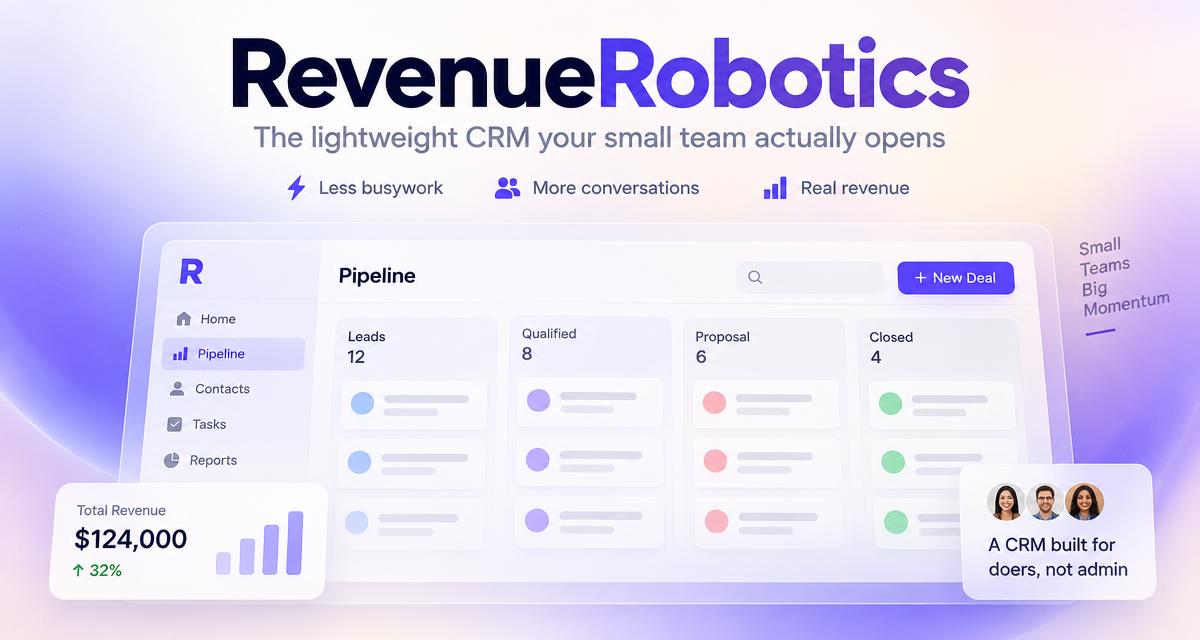
RevenueRobotics can be used as a practical Chief of Staff dashboard when leadership work overlaps with customers, deals, follow-ups, and cross-functional tasks.
Instead of switching between a CRM, a task app, meeting notes, and spreadsheets, a team can use one shared workspace to see:
• Which deals need attention.
• Which actions are overdue or blocked.
• Who owns the next step.
• Which strategic relationships need follow-up.
• What needs a leadership decision.
A useful dashboard is not about watching everything. It is about helping the right person act before the important things slip.
Related product page
CRM for startups →Try RevenueRobotics
Companies, deals, automations and AI note summaries in one calm CRM.
Start free trial