1 October 2026 · 3 min read
How to set up your first sales CRM without overbuilding it
Set up a practical CRM for a small team: import your records, define pipeline stages, assign next actions, and review your forecast.
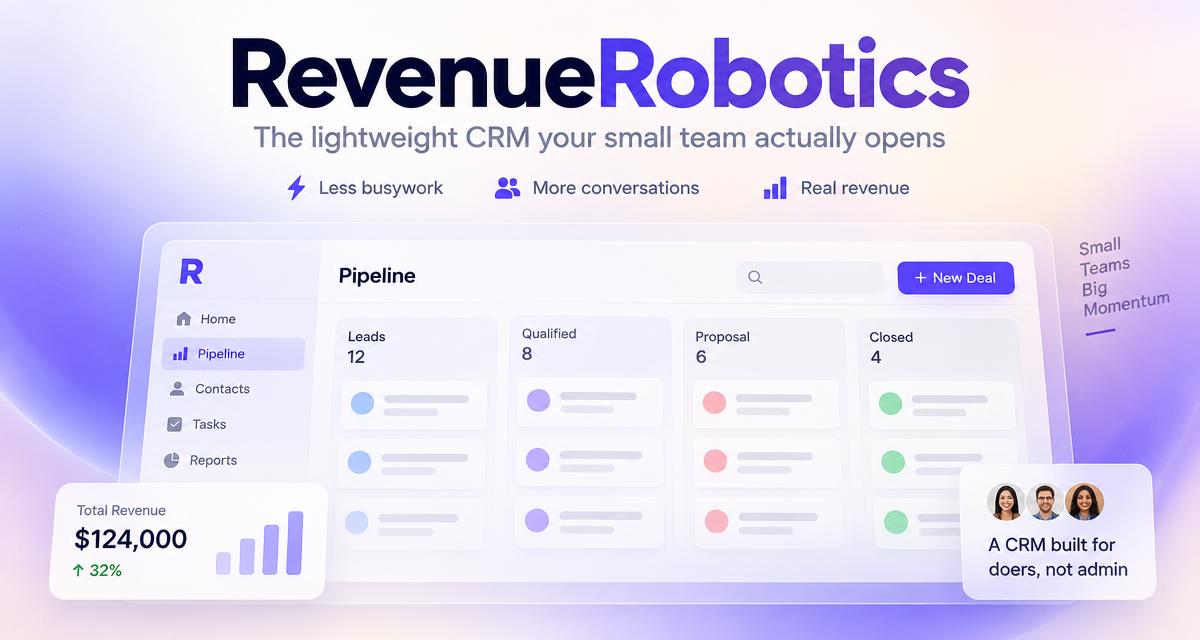
Why this matters
The goal of your first CRM setup is not to capture every detail about every prospect. It is to make your active sales work easier to see and manage.
Start with the minimum information your team will actually maintain.
1. Decide what counts as a deal
A contact is a person you know. A deal is a specific potential sale you are working toward. Keep that distinction clear so your pipeline does not fill up with contacts who have no active opportunity.
2. Choose a few meaningful stages
Use stages that represent real buyer progress—for example, Lead, Qualified, Proposal, Negotiation, and Won or Lost. Write down what must happen before a deal moves to the next stage.
You can refine the stages later. Starting with too many makes every update a debate.
3. Give open deals an owner and a next action
For each active opportunity, record who is responsible, what they will do next, and when. If you cannot identify a next action, review whether the deal is genuinely active.
4. Import carefully
Keep a backup of your source file. Review field matches, check for duplicates, and inspect a small batch before importing everything.
5. Make the CRM part of the workday
Open it to decide what needs attention—not just to update it after the work is done. Review overdue tasks and stalled deals regularly, and adjust records when a buyer’s plans change.
RevenueRobotics is built to make that daily review useful, with a focus list, deal signals, follow-up drafts, and pipeline reporting.
CTA: Explore the CRM for founder-led sales.
Try RevenueRobotics
Companies, deals, automations and AI note summaries in one calm CRM.
Start free trial