1 October 2026 · 3 min read
How to set a close date you can explain
Set and update CRM close dates using the buyer’s decision process rather than a date that merely helps your forecast look better.
Why this matters
A close date is most useful when you know why it is there.
If you entered the last day of the month because the CRM required a date, that is a planning placeholder—not evidence that the buyer will decide by then.
Ask what needs to happen first
Does the buyer need a proposal, a technical answer, budget approval, or agreement from another person? Work backward from those steps rather than forward from your revenue target.
Record what the buyer actually said
If they gave you a decision date, record it and note the context. If they did not, use your best estimate but treat it as uncertain.
Update the date when circumstances change
A postponed meeting, a new decision-maker, or an unresolved objection may change the timing. Leaving the old close date in place makes your forecast less useful.
Review dates in context
During a pipeline review, ask: “What would have to happen for this deal to close on that date?” If there is no credible answer, revisit the plan with the buyer or update the record.
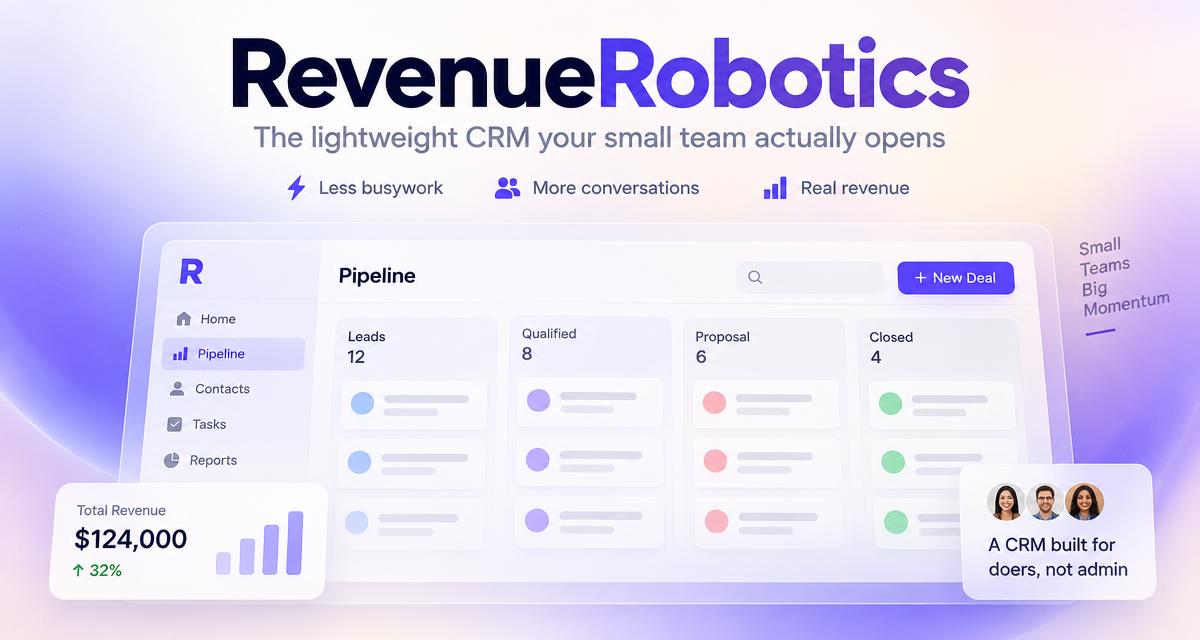
RevenueRobotics shows close dates alongside deals, tasks, and weighted forecast, helping you see when the timeline and the next action no longer match.
CTA: Explore startup sales forecasting.
Try RevenueRobotics
Companies, deals, automations and AI note summaries in one calm CRM.
Start free trial