1 October 2026 · 3 min read
Your sales stages should describe what happened
Define pipeline stages by observable buyer progress so your team can update deals consistently and trust its reports.
Why this matters
A stage called “Proposal” sounds clear—until one person uses it when they start writing a proposal and another uses it after the buyer receives one.
If stages mean different things to different people, your pipeline becomes harder to interpret.
Define an entry condition
For each stage, write one sentence describing what must have happened before a deal enters it.
For example: “Proposal means we have sent the buyer a specific offer with scope and pricing.” That is easier to apply consistently than “deal looks promising.”
Keep stages tied to buyer progress
Avoid making a new stage for every task your team performs. A reminder to follow up is a task; it may not be a new stage in the buyer’s decision.
Define an exit condition
What moves a deal forward? A signed agreement, an explicit request to revise terms, or a confirmed decision process are more meaningful than the passage of time.
Review the awkward deals
Take three opportunities your team has trouble classifying. If none fits your definitions, either clarify the stages or admit that you need another status. Do not design an elaborate pipeline around one unusual deal.
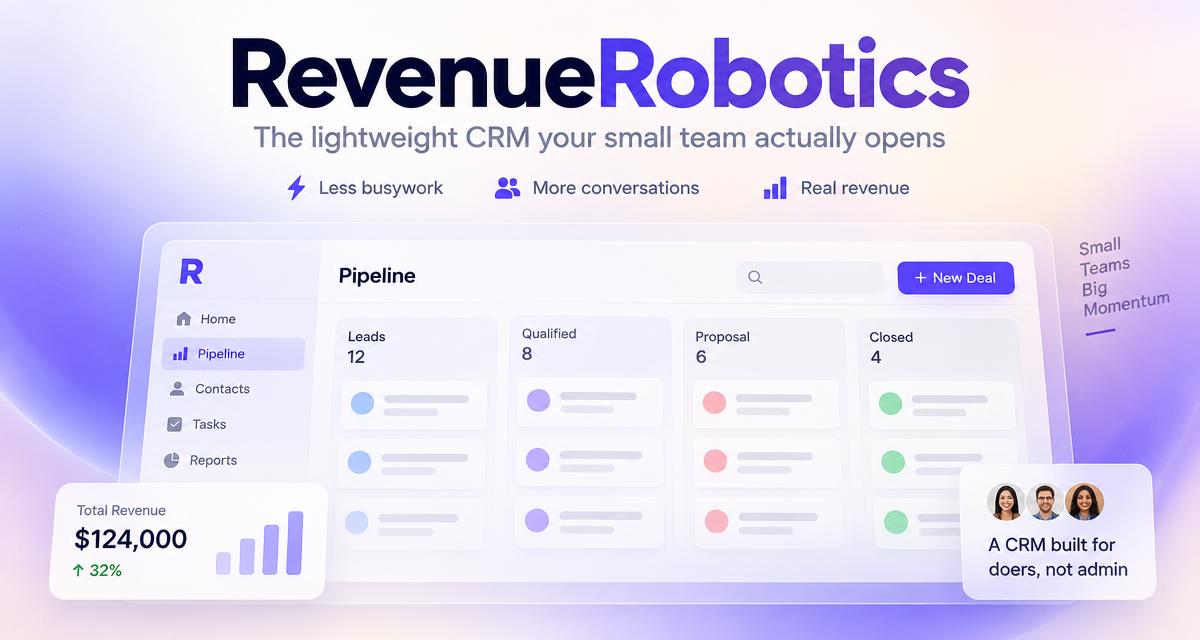
Clear stages improve day-to-day reviews and make pipeline reports easier to understand. RevenueRobotics pairs the stage view with deal actions and forecasting, so the labels should reflect your actual process.
CTA: Read the founder-led pipeline setup guide.
Try RevenueRobotics
Companies, deals, automations and AI note summaries in one calm CRM.
Start free trial