1 October 2026 · 3 min read
How to compare CRM pricing without getting lost in tiers
Compare CRM costs by checking seats, required features, billing terms, migration effort, and the workflow your team will actually use.
Why this matters
A CRM’s starting price rarely tells you what your team will pay—or whether the product will help you sell.
Build your comparison around the workflow you need.
Count the people who need access
Start with the number of people who will use the CRM each month. Check whether everyone needs the same level of access and what happens when the team grows.
List the features you will actually use
Do you need deal tracking, tasks, custom fields, sequences, reporting, AI assistance, and import or export? Check which plan includes each feature rather than assuming a product’s headline price covers it.
Include switching effort
A cheaper subscription may still require time to clean records, move data, retrain your team, and rebuild reports. That does not mean you should stay with the current tool; it means you should include the transition in your decision.
Test an ordinary day
Ask whether you can find the deals that need attention, write a follow-up, and check the forecast without extra work. A tool that costs less but goes unused is not a useful saving.
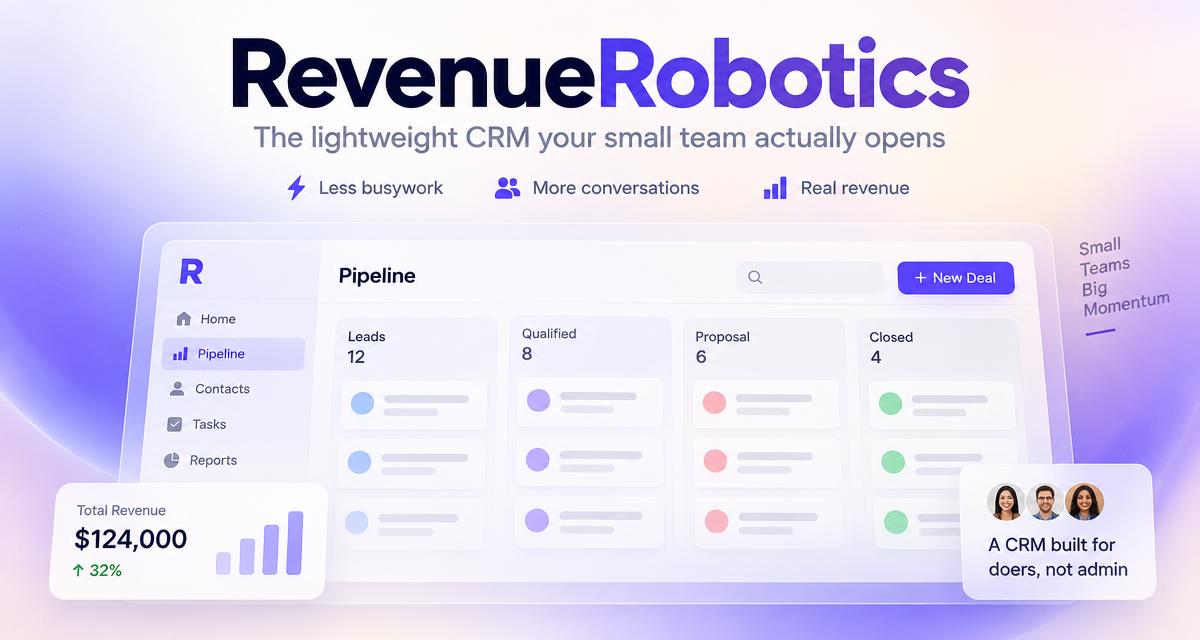
RevenueRobotics advertises one plan at €29 per seat/month with its listed features included. Compare that against the exact configuration you would use elsewhere, and verify each provider’s current pricing before deciding.
CTA: See RevenueRobotics for startups.
Try RevenueRobotics
Companies, deals, automations and AI note summaries in one calm CRM.
Start free trial